


How to keep your Mac awake, even when your MacBook lid is closed
macOS is designed to put your Mac to sleep when it is not being used. That is usually exactly what you want. Sleep saves power, protects battery life, and keeps a MacBook from running when it is closed and stuffed in a bag. Sometimes tasks like downloads, backups, remote sessions, and AI coding need...
macOS is designed to put your Mac to sleep when it is not being used. That is usually exactly what you want. Sleep saves power, protects battery life, and keeps a MacBook from running when it is closed and stuffed in a bag.
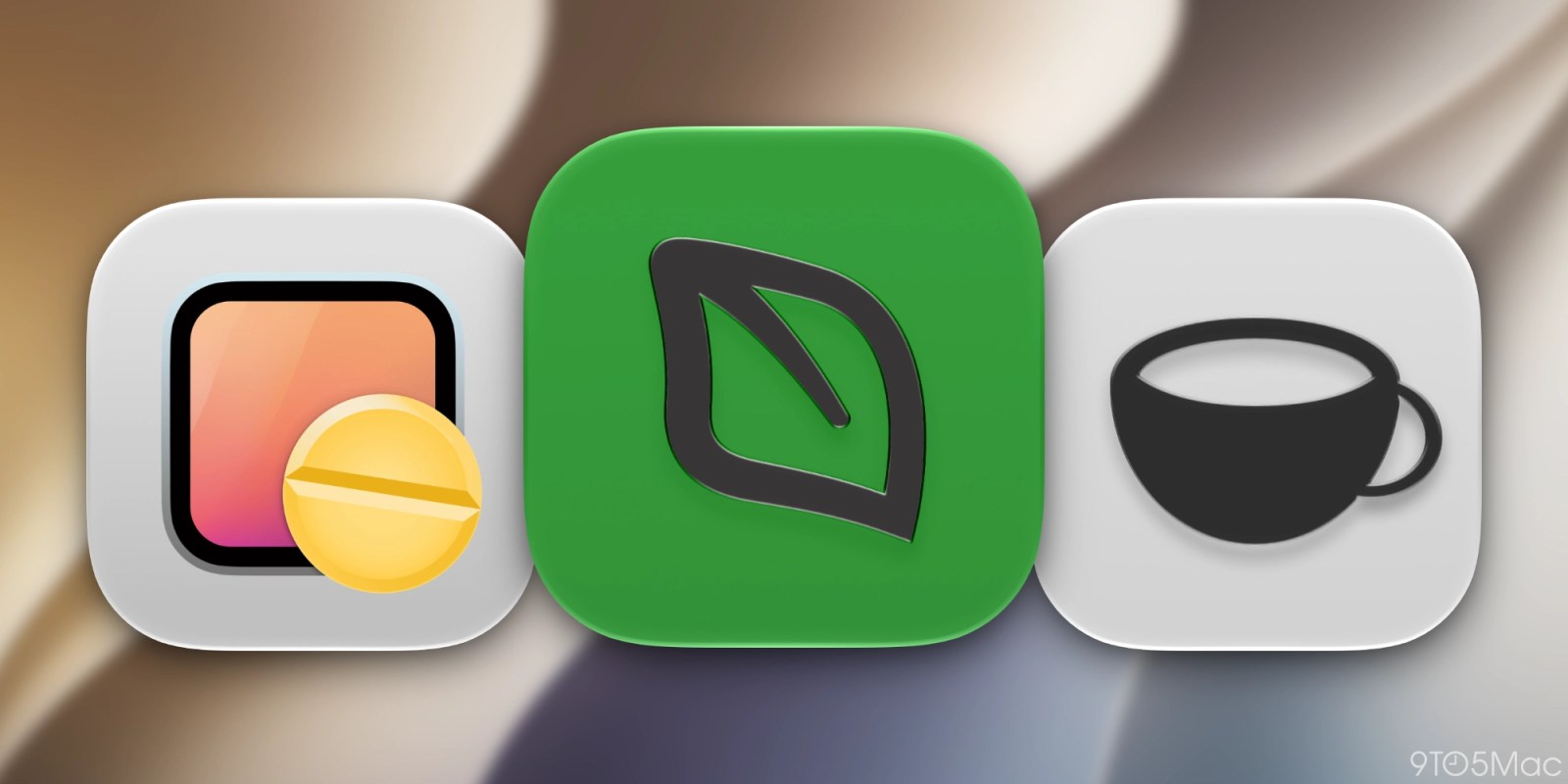
Sometimes tasks like downloads, backups, remote sessions, and AI coding need a temporary exception. Fortunately, there are some great Mac apps for giving you this control.