Sun, 20 Sep 2026
Markets
DJIA 44,210.31 +0.42% S&P 500 6,204.88 +0.31% NASDAQ 20,398.05 -0.18% RUSSELL 2000 2,271.14 +0.55% FTSE 100 8,786.20 -0.09% DAX 24,120.40 +0.26% NIKKEI 225 39,986.30 +1.02% HANG SENG 24,072.30 -0.44% US 10-YR 4.281% -0.03 CRUDE OIL $67.41 +0.68% GOLD $3,342.10 +0.21% BTC $61,845 -1.12% EUR/USD 1.1782 +0.14% DJIA 44,210.31 +0.42% S&P 500 6,204.88 +0.31% NASDAQ 20,398.05 -0.18% RUSSELL 2000 2,271.14 +0.55% FTSE 100 8,786.20 -0.09% DAX 24,120.40 +0.26% NIKKEI 225 39,986.30 +1.02% HANG SENG 24,072.30 -0.44% US 10-YR 4.281% -0.03 CRUDE OIL $67.41 +0.68% GOLD $3,342.10 +0.21% BTC $61,845 -1.12% EUR/USD 1.1782 +0.14%
Here's why some monitors have two USB ports (and the best ways to use them)

Here's why some monitors have two USB ports (and the best ways to use them)

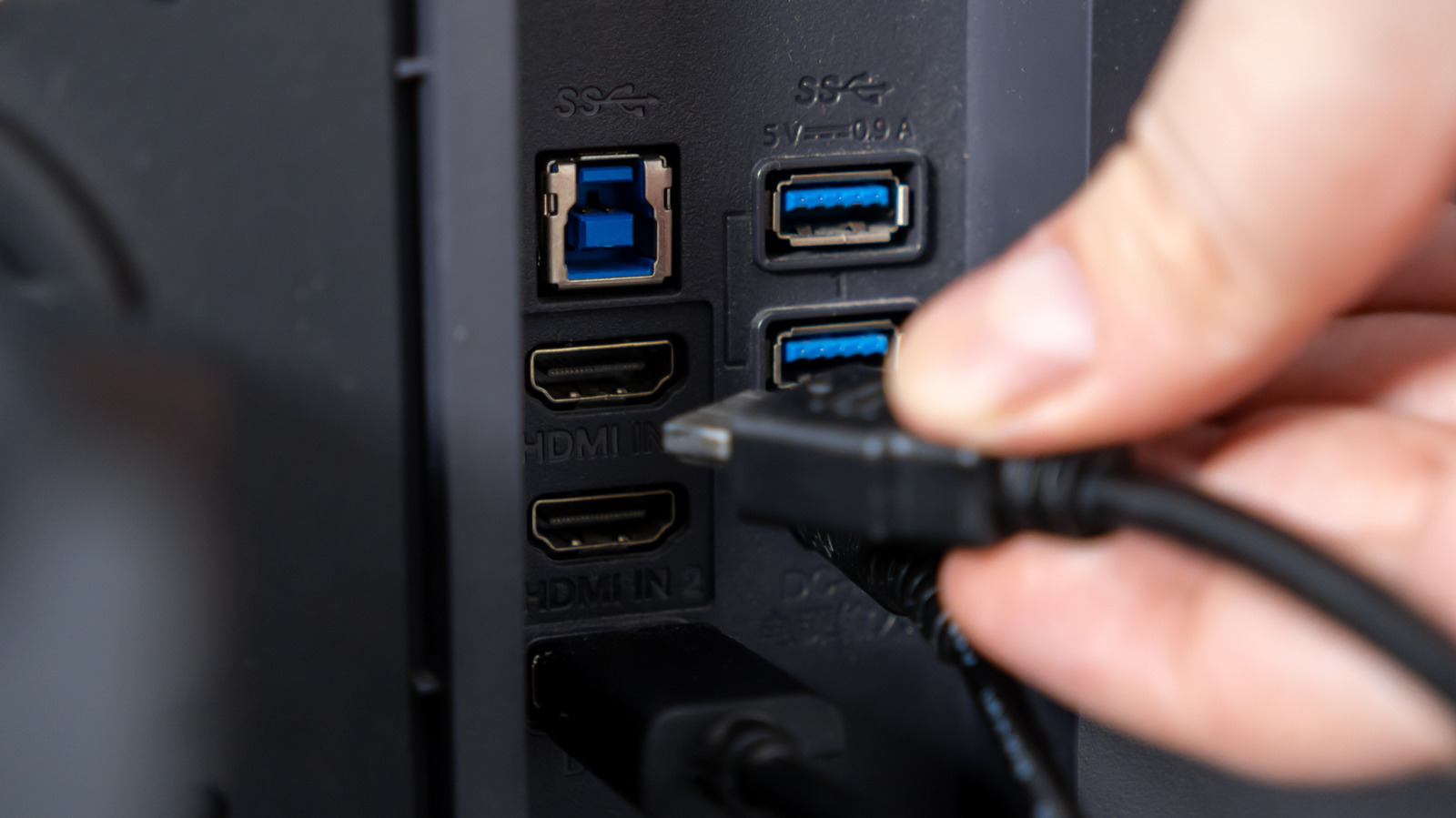
These ports are often part of a built-in USB hub, letting you keep desk accessories connected to the monitor instead of occupying ports on your computer.
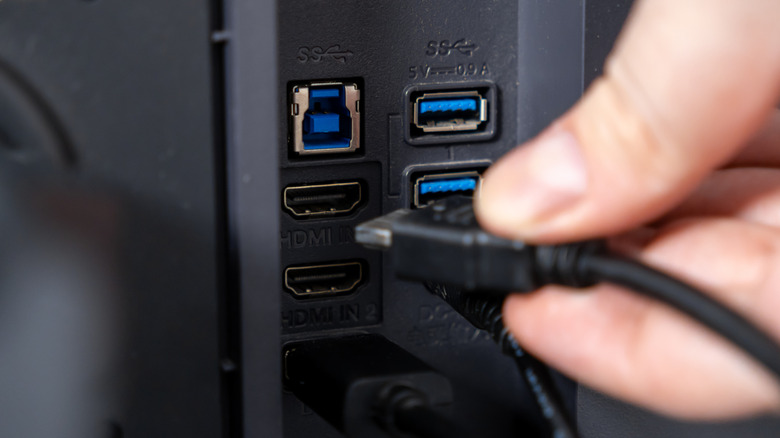
These ports are often part of a built-in USB hub, letting you keep desk accessories connected to the monitor instead of occupying ports on your computer.